
With SolarApp you receive your SolarReport
The SolarReport is a preliminary project tailored to your situation, with the help of which you can decide on your solar project – and it is completely free of charge.
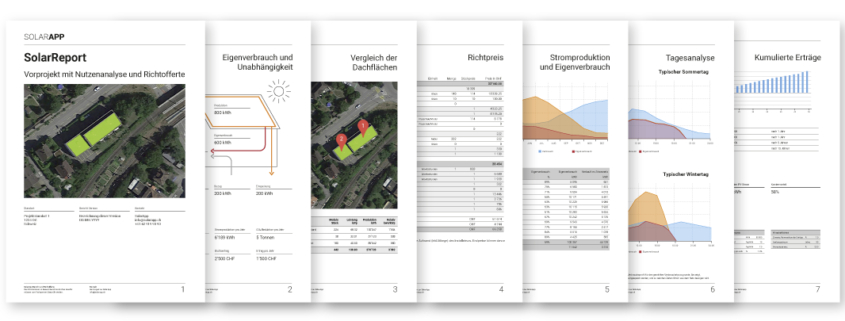
The solar calculator provides you with information on
 potential analysis
Suitability assessment of the roof surfaces
Income and independence
Determining personal consumption
Income forecasts over the course of the day and month
Cumulative revenue and amortisation period
Subsidies and tax relief
Monthly analysis of production and feed-in
Calculation of cost advantage of solar power
Your contribution to the energy revolution
Situation and roof layout plan
Product recommendation
Indicative price offer and yield
Static report and inverter layout
Best experience on desktop
Use SolarApp on your desktop. Soon you will also be able to use SolarApp on your mobile devices.
Configure your solar project in just 5 minutes
The layout of your solar project is done in four simple steps.

Step 1: Select the roof
Specify the desired location and select your roof areas.

Step 2: Configure the system
Decide how many solar modules and which type of system you would like.

Step 3: Calculating the profitability
SolarApp automatically calculates subsidies, tax savings, returns, amortisation and much more.

Step 4: Creation of the solar report
You will receive the SolarReport with all the details of your entire project free of charge. This is the basis for your decision on your solar project.
Get a quote for your solar project
You can first study your SolarReport or directly obtain offers from independent specialists.

Configure your solar energy system online
Step by step, you determine how your solar energy system should look.

Get offers
SolarApp is a network of specialised installers. With just one click, you can obtain several independent offers and choose the best option for you.

Select specialised installer
The company you have selected will install the solar system according to your configuration.